
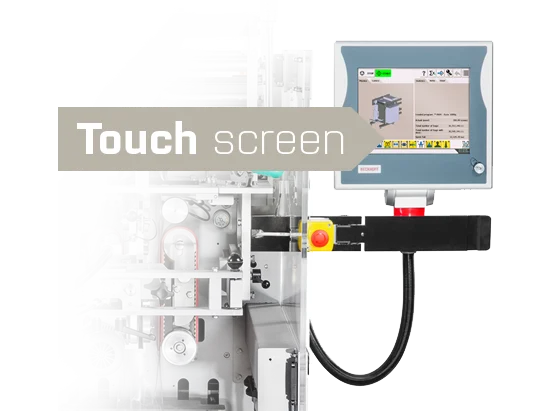
Customizable control settings to match the specific machine configuration
Intuitive controls using icons or buttons with text labels
Assistance with selecting operating parameters
Comprehensive Help
500 memory slots for operating parameters (recipes), with export and backup capabilities
Option to automatically select a program (recipe) by scanning a barcode
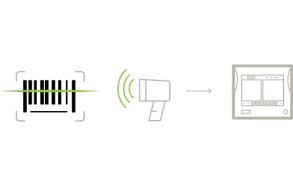
Image Manager – import, export, and deletion of images on the terminal, plus the ability to capture images from an installed camera
Identification of machine operators using a card or RFID chip
Machine manual, wiring diagram, etc., on the terminal
Video Manager – the ability to upload and play video files